GWO Incidents Update: Q3 2026
Q3 saw levels of incident reporting remain consistent with those in Q2, reflecting the efforts the training community is taking to continue building a safety culture.
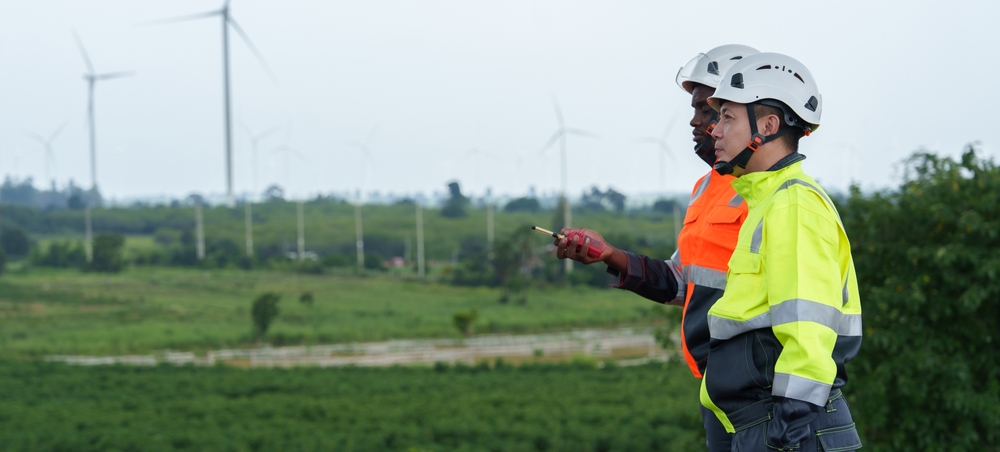
GWO has observed that the levels of incident reporting in Q3 have remained consistent with those in Q2. We thank you for continuing to share learnings and helping to ensure that your training environments stay as safe as possible.
Use incident learnings to stay safe
As you undertake risk assessments at your training centre, consider measures you can take to reduce risks and make training safer. GWO’s freely accessible Incident Reports database provides examples of incidents that have occurred across the training community, and the actions other Training Providers have taken to mitigate them.
These real-life situations can help you consider whether similar incidents could occur at your training centre and whether additional measures are needed to keep people at your training centre safe. If an incident occurs, remember to report it and share your learnings with the wider GWO training community so we continue to maintain safe training environments for Course Participants and Instructors.
What is incident data used for?
Incident data is used to share learnings across the GWO training community, as well as to identify potential patterns related to specific training standards that must be considered when making improvements to the overall range of GWO training standards. Reporting incidents is a requirement and GWO does not attach any negative consequences or KPIs to incident reporting. Instead, we encourage a transparent safety culture built on sharing learnings through open dialogue.
How to report an incident to GWO
Step 1: Review incident definitions listed in the GWO Requirements for Training - Annex 2: Incident Reporting and Root Cause Analysis, pp.50-53
Step 2: View examples of recent incidents on the “Resolutions and reports” page
Step 3: Visit the “File an incident with GWO” page and click the orange “File an incident with GWO button” at the top, or find the shortcut below.
Featured stories
WINDA Turns 10: A Decade of Trusted Training Records
This week marks 10 years since the launch of WINDA, GWO’s global Training Records database, now an essential part of the renewables industry’s safety training infrastructure.

Strengthening industry connections at Colloque Nationale 2026
GWO recently joined renewable energy leaders, education institutions and Training Providers in Paris for the 16th France Renouvelables National Colloquium, to explore opportunities for strengthening workforce development and access to safety training across France's growing wind industry.
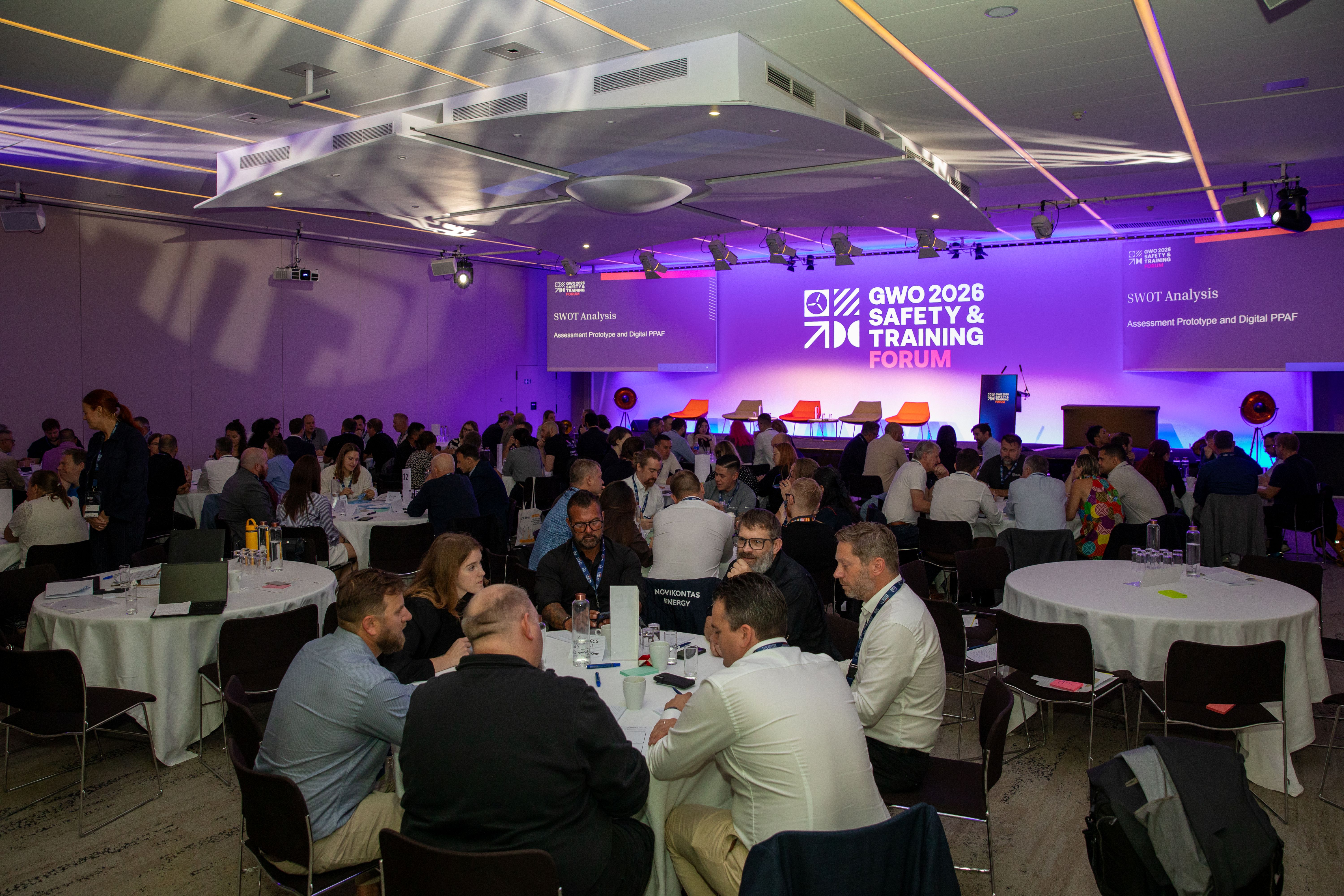
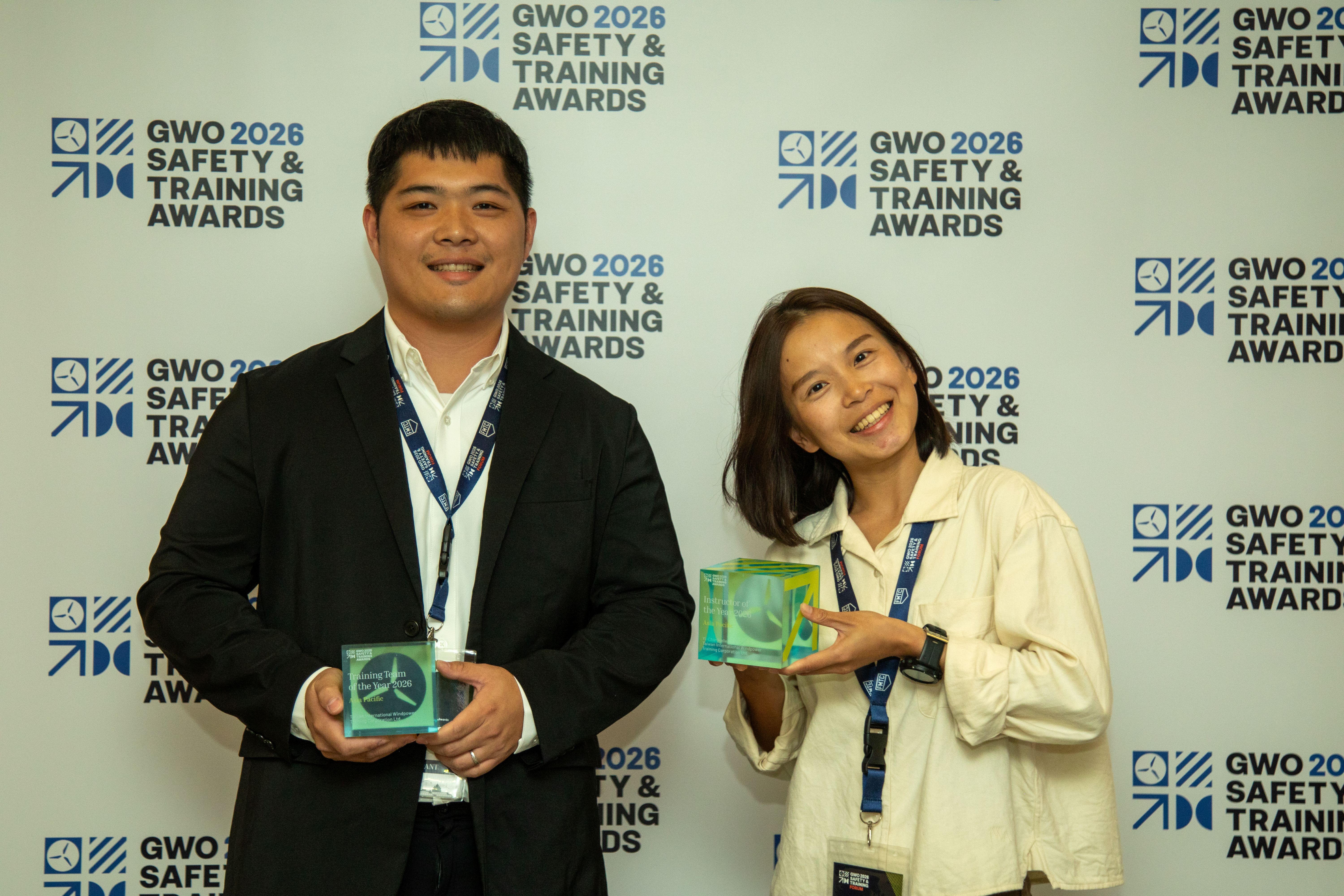
GWO Safety & Training Awards Winners Unveiled in Paris
At the fifth edition of the Awards, this year’s winners took to the stage following the most closely contested competition to date.
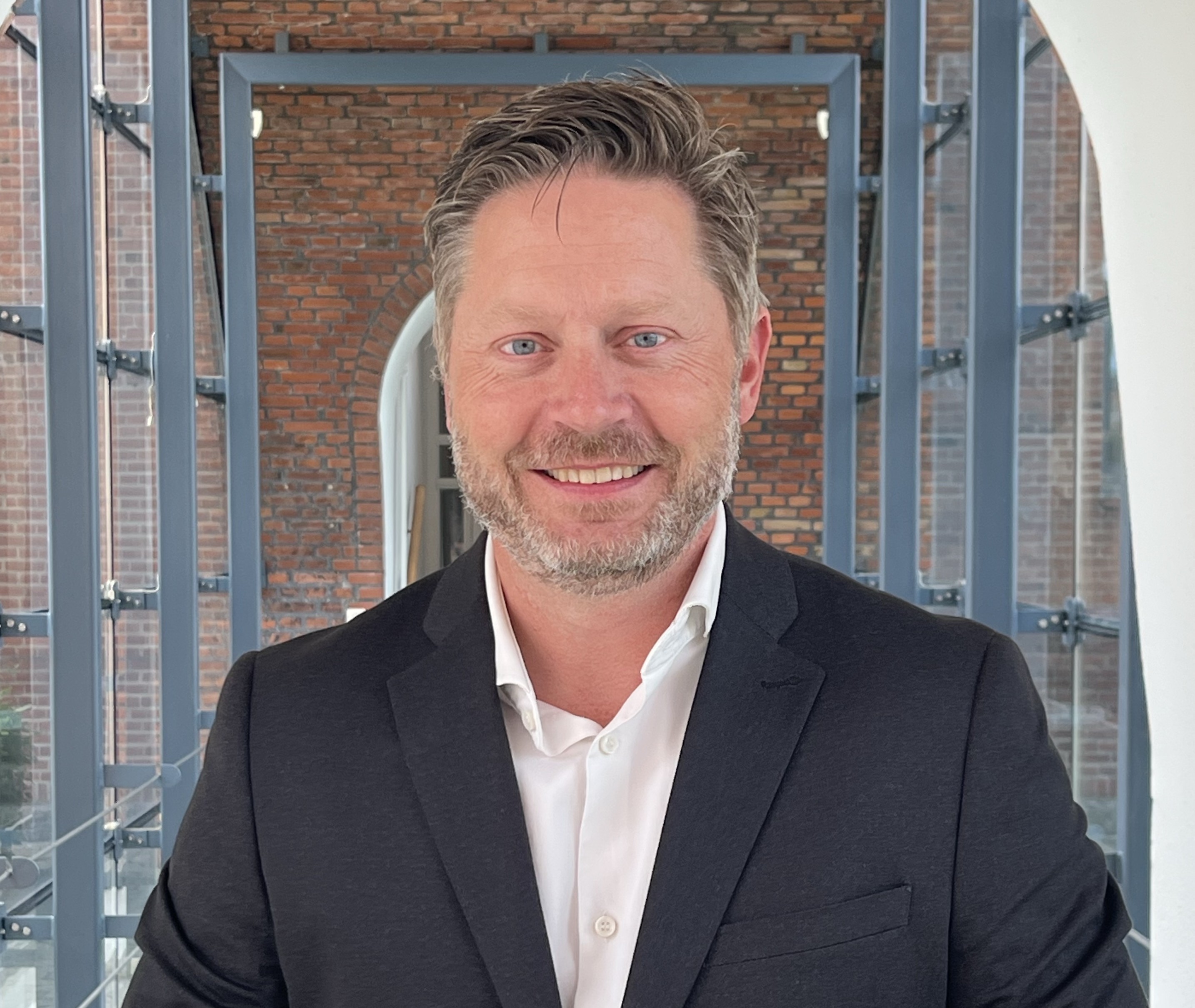
GWO Appoints Alex Øbell Nielsen as Network Development Manager for the Americas
Appointment of experienced professional will assist with furthering the adoption and availability of training standards in the Americas region.
.jpg)
GWO Appoints Morten V. Østergaard as Chief Financial Officer
The appointment of our first Chief Financial Officer (CFO) strengthens GWO's financial governance and provides a robust foundation for the next phase of transformation and growth